
Beta
Loquela DesktopThe voice studio for your computer.
Dictate into any app, transcribe files, clean up noisy audio and run speech models on your own computer. Pick the model, patch it for your field and change every setting.
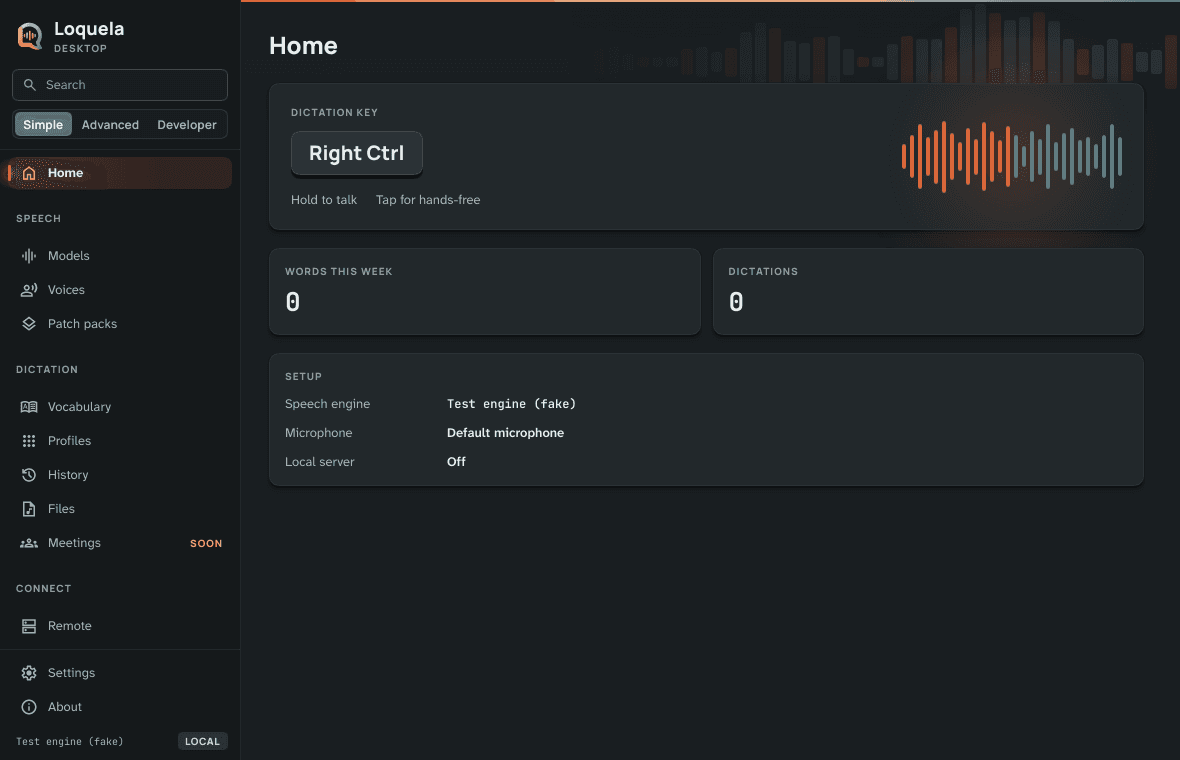

Dictation comes first
Hold your key and talk, or tap it once and keep talking hands-free. The words land wherever your cursor is, in any app, and a small indicator by the cursor shows what's happening.
- Any key, chord or mouse button as the dictation key
- Paste the last dictation again, or undo it in one step
- A key per language, if you speak more than one
- Music turns down or pauses while you talk
Talk. It types. Tune it.
Hold your key and talk
Right Ctrl to start, or any key you choose.
Right Ctrl
The words land in your app
Notes, email, chat or code: wherever the cursor is.
NotesSend the updated contract to Dana by Thursday and book the small room
Make it yours
Switch models, add a patch pack, change any setting.
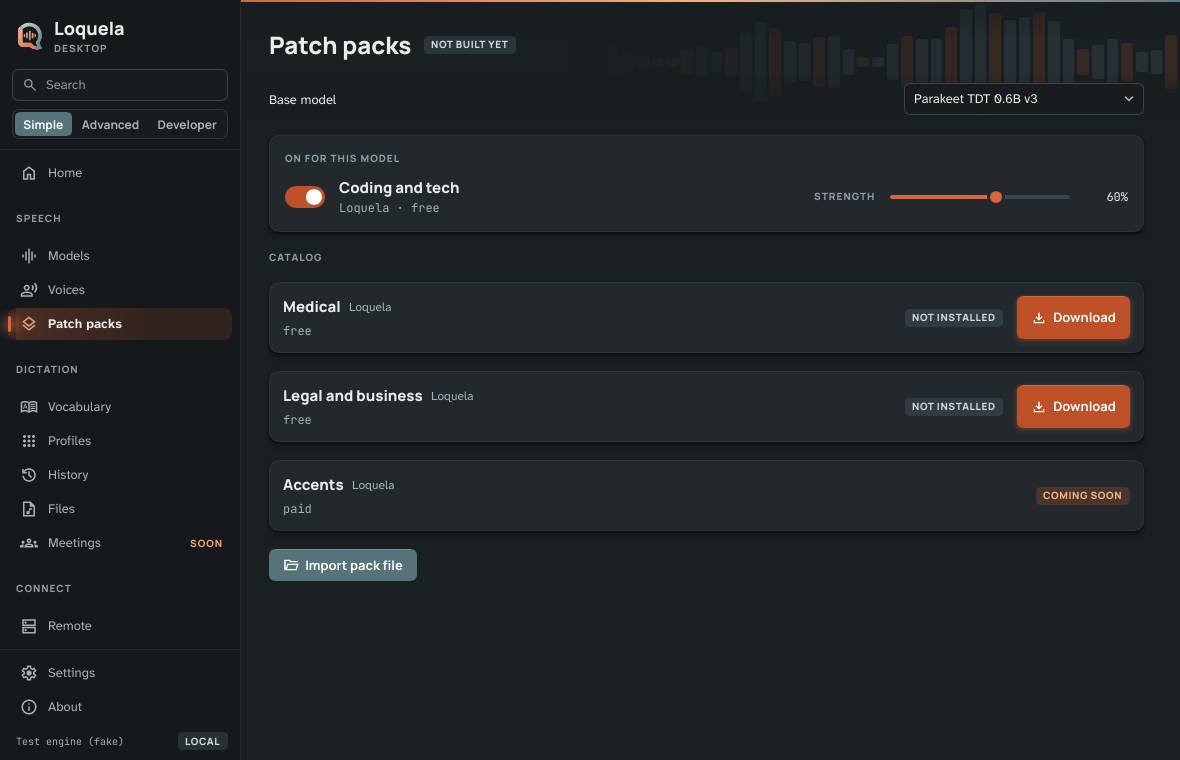
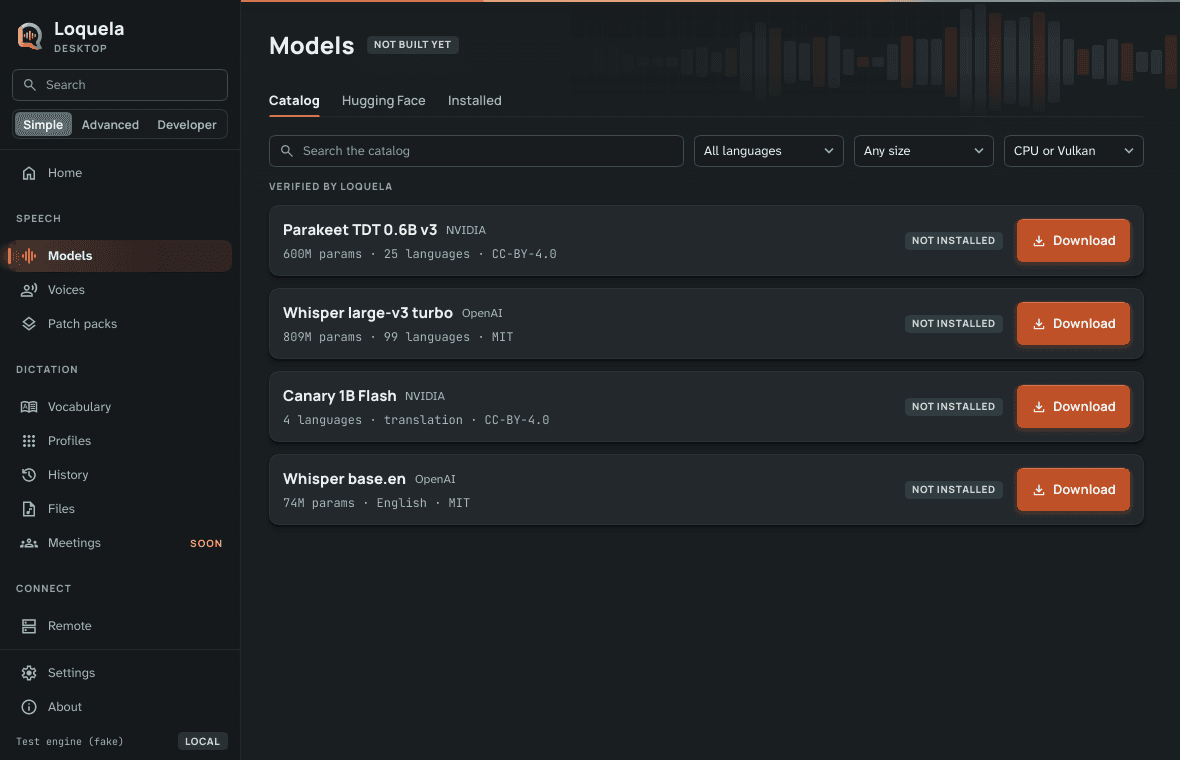
Your model, every setting
Setup measures your computer and suggests a model that fits; after that the choice is yours. Browse the verified catalog or search Hugging Face, keep several models, and open every engine setting when you want them.
- Simple, Advanced and Developer levels, so the controls never get in the way
- A profile per app: its own model, words and formatting
- Your vocabulary, and corrections it learns from when you allow it
- Bring your words and settings over from Wispr Flow, Superwhisper or Handy
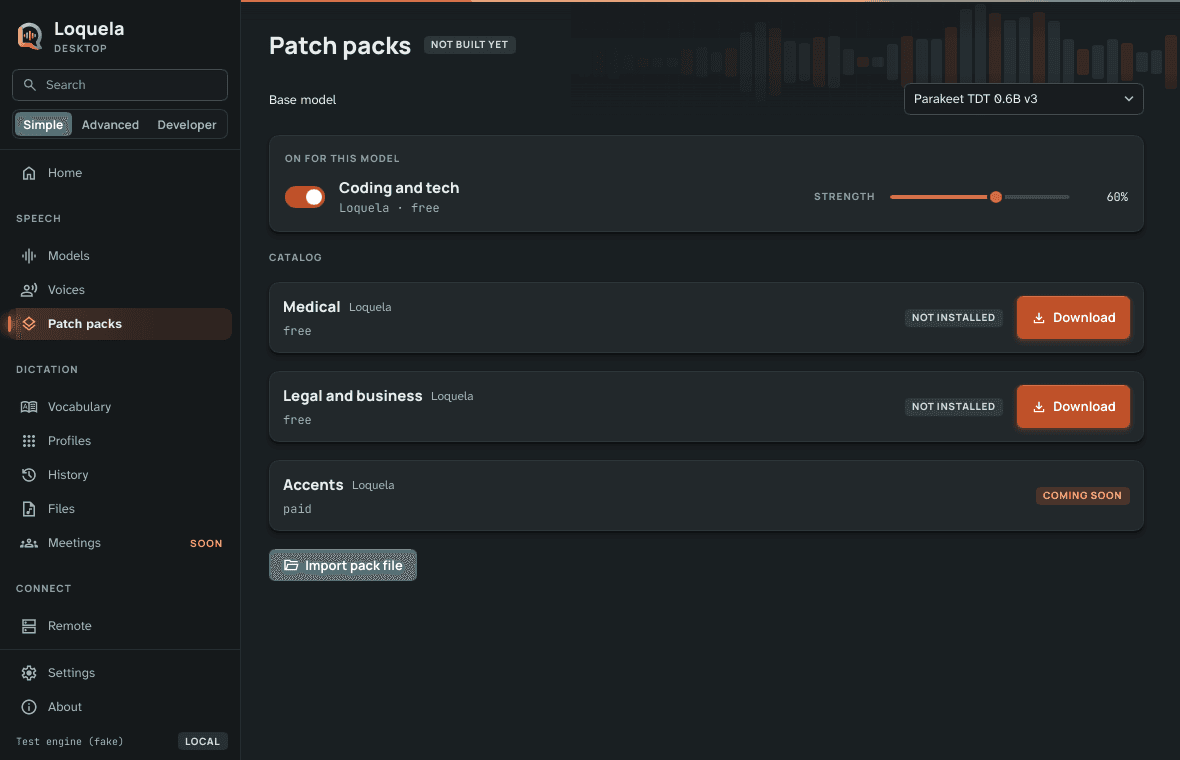
Model patching
Patch packs teach a speech model the words of a field, like medicine, law or code. Stack several, set how strongly each one applies, and switch them per model. Loquela makes the first packs, and you can import pack files.
A whole voice studio
Dictation is the start. The same app works on recordings and audio too.
Transcribe files
Drop in recordings and get text, with speaker labels.
Denoise
Clean up noisy audio before it's transcribed.
Translate
Speak one language and get text in another.
Read aloud
A key that reads the selected text back to you.
Plug it into your other tools
Turn on the local server and other apps on your computer can use Loquela as their speech engine, through an OpenAI-compatible API. It's off until you switch it on, answers only this computer unless you allow your network, and never stores what it transcribes.
Bring a cloud when you want one
Everything above runs on your computer. When a machine can't run the models, is already busy with your own AI work, or your volume makes hosted transcription the better deal, connect Loquela Remote with an API key, with PGP encryption on Pro and Business plans, or use your own key from OpenAI, Groq or Mistral.
Loquela RemoteYour words, as you said them
No rewriting
Loquela doesn't run your dictation through a language model to polish it. What you said is what you get.
Offline lock
One switch stops every connection the app makes, model downloads included.
Locked history
Your dictation history is encrypted on your computer and opens with Windows Hello.
Price: free
Free for personal use, and for work at organizations with up to 10 people and under US$250,000 a year. Bigger organizations, and anyone serving Loquela Desktop to others for money, need a licence.
Try the beta
Loquela Desktop is in beta: it works, and it changes often. Tell us what you'd change.